


The New Frontier
This is the article I’m most excited to write, because this is a new territory for all of us. We’re all building or integrating AI features into our applications right now, but almost nobody is properly testing their performance .
And trust me, AI applications have performance problems that are completely different from traditional web applications.
Why AI Applications Are Different
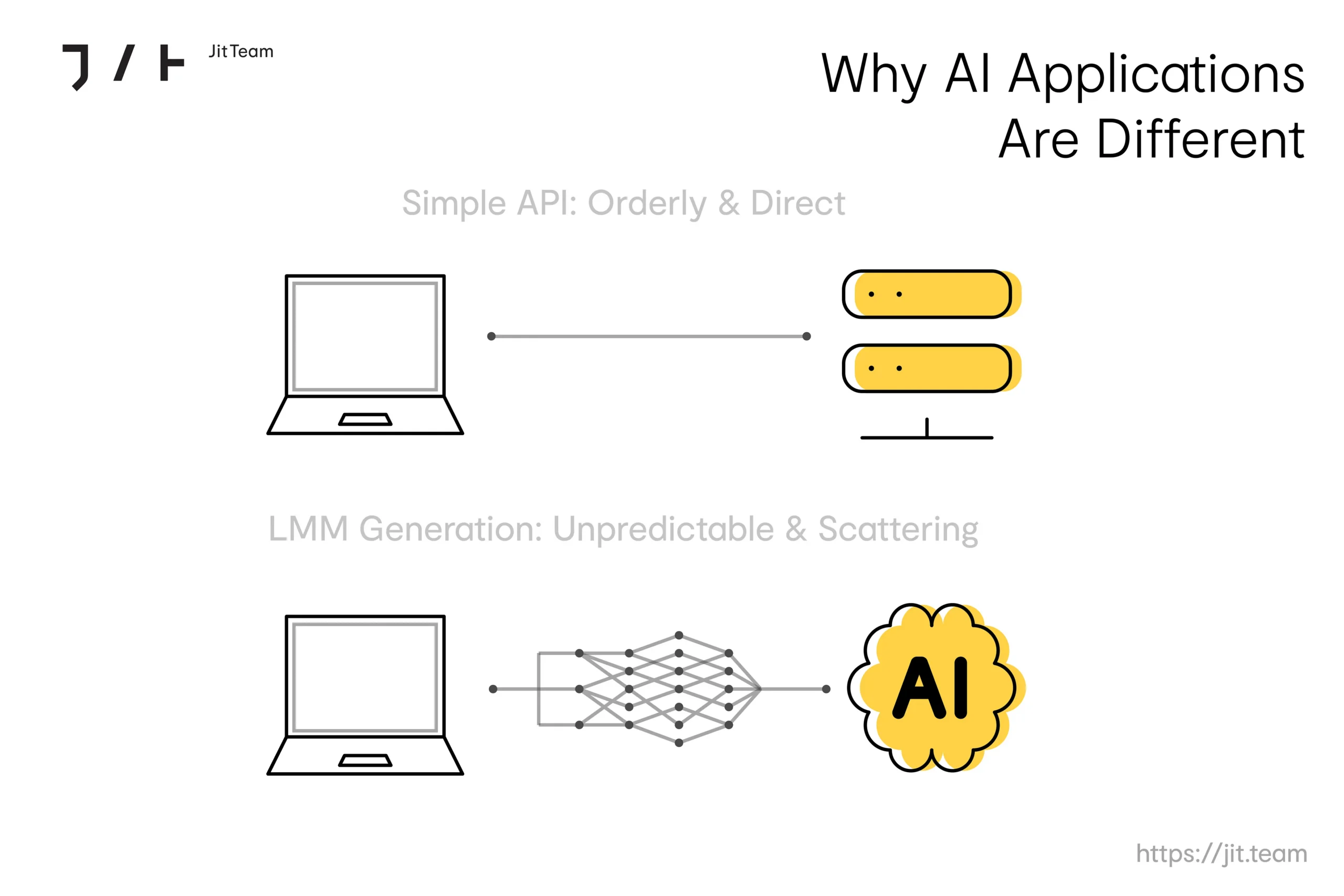
Traditional API: You send a request, the server processes it (maybe queries a database), and returns a response. The response time is relatively predictable. Run it 1,000 times, and you’ll get similar numbers.
LLM-based API: You send a prompt, the model processes it through billions of parameters, and generates a response token by token. The response time depends on the prompt length, the output length (which you often can’t predict), the model load, and sometimes the actual content of the request. Run it 1,000 times, and you’ll get wildly different numbers.
This non-deterministic nature breaks many of our traditional performance testing assumptions.
Press enter or click to view image in full size
What to Measure
For LLM applications, standard performance metrics don’t tell the full story. Here’s what you should actually be measuring:
- Time to First Token (TTFT): How long does it take to start getting a response? This is critical for streaming applications where users see the response being generated in real time.
- Tokens per Second (TPS): How fast is the model generating output? This directly affects the user experience.
- Total Latency: End-to-end time from request to complete response. This can vary from 1 second to 30+ seconds, depending on the output length.
- Token Usage: How many input and output tokens per request? This directly impacts your bill.
- Cost per Request: With LLM APIs charging per token, you need to know the actual financial cost of each interaction.
- Error Rate and Retry Rate: LLM APIs have strict rate limits. Under load, you will hit them. You need to know how your retry logic handles this scenario.
The RAG Add-On
For RAG (Retrieval-Augmented Generation) applications, you need to add a few more metrics to your dashboard:
- Retrieval Latency: How long does the vector search take?
- Context Window Utilization: How much of the available context window is being used?
- Retrieval Relevance under Load: Does the quality of retrieved documents degrade when the vector database is under heavy stress?
How to Load Test an LLM Application
Here’s a practical approach using k6:
import http from 'k6/http';
import { Trend, Counter } from 'k6/metrics';

const ttft = new Trend('time_to_first_token');
const totalTokens = new Counter('total_tokens');

export default function () {
  const payload = JSON.stringify({
    model: 'gpt-4',
    messages: [{ role: 'user', content: 'Summarize the latest earnings report' }],
    stream: true
  });

  const response = http.post(
    'https://api.openai.com/v1/chat/completions',
    payload,
    {
      headers: {
        'Authorization': `Bearer ${__ENV.API_KEY}`
      }
    }
  );

  // Parse streaming response, measure TTFT, count tokens
  // … custom parsing logic here
}
But there’s a catch. You can’t just hammer an LLM API with 10,000 concurrent requests like you would with a REST API. You’ll hit rate limits immediately. Your test needs to be designed to include realistic concurrency levels and ensure proper handling of the rate limit responses (usually HTTP 429).
The Observability Challenge
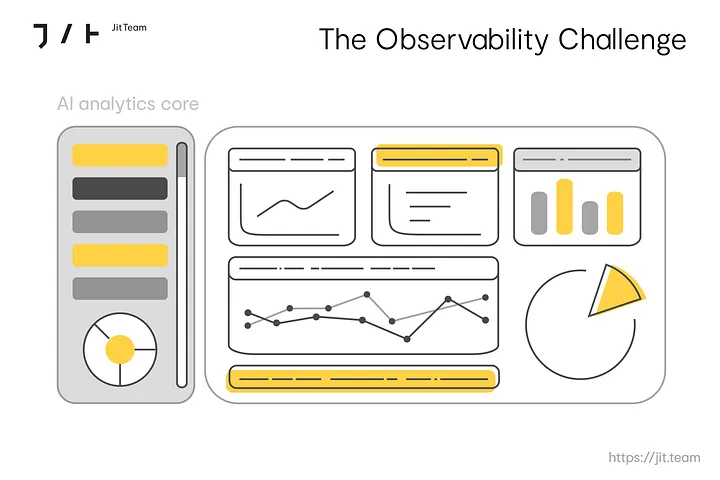
LLM applications are notoriously hard to observe. OpenTelemetry is now defining semantic conventions for GenAI workloads, which will eventually standardize how we trace and monitor AI applications. But most teams today are still doing it manually.
A good observability setup for an LLM application should track:
- Every LLM API call with input/output token counts.
- Latency breakdowns: network time, processing time, and generation time.
- Cost tracking per request and per user session.
- Quality metrics: hallucination rates and response relevance scores.
- Rate limit hits and retries.
Tools like Langfuse, LangSmith, and Datadog’s LLM Observability module are trying to solve this, but the space is still maturing.
Multi-Agent Systems: The Next Complexity Layer
In 2026, more applications will make use of multi-agent architectures, where multiple AI agents coordinate to complete complex tasks. Think of a system where one agent plans the work, another searches for data, a third generates the response, and a fourth validates it.
Performance testing these systems is incredibly complex because:
- The number of LLM calls per user request is entirely unpredictable.
- Agents can call each other in loops.
- A slow response from one agent delays the entire chain.
- The overall cost of a single user interaction can vary by 10x or more.
This is an area where almost nobody has good answers yet. The teams that figure this out first will have a serious advantage over the others.
My Recommendations
If you’re a performance engineer and your company is building AI features, here’s what I would do right now:
- Start measuring immediately. Even basic metrics like response time and token usage per request will give you visibility you don’t have today.
- Build a cost model. Calculate the cost per user interaction. Many companies are shocked when they find their AI features cost 10x to 50x more per request than traditional API calls.
- Test for rate limits. Your application needs to handle API rate limiting gracefully. Load test specifically for this scenario.
- Monitor quality under load. This is new for performance testing, but it matters. When your vector database is under heavy load, does the retrieval quality drop? When the LLM API is slow, does your fallback mechanism maintain acceptable quality?
- Plan for non-determinism. Your performance baselines will have much wider variance than traditional applications. Accept that and adjust your Service Level Objectives (SLOs) accordingly.
Performance testing of AI applications is a field being invented right now. As performance engineers, we have a unique opportunity to shape how it’s done. The fundamentals stay the same: measure, analyze, optimize, but the specifics are entirely new.